
Kitchen Command
From the morning walk-through to a service plan.
A kitchen operations app that brings the chef's observations, menu, and recent sales into one daily workflow. Review the priorities, brief the team, then record what happened after service.
- Built for
- Restaurant kitchen operations
- Ian's role
- Product design, app build, deployment
- Current status
- Deployed app with restricted access
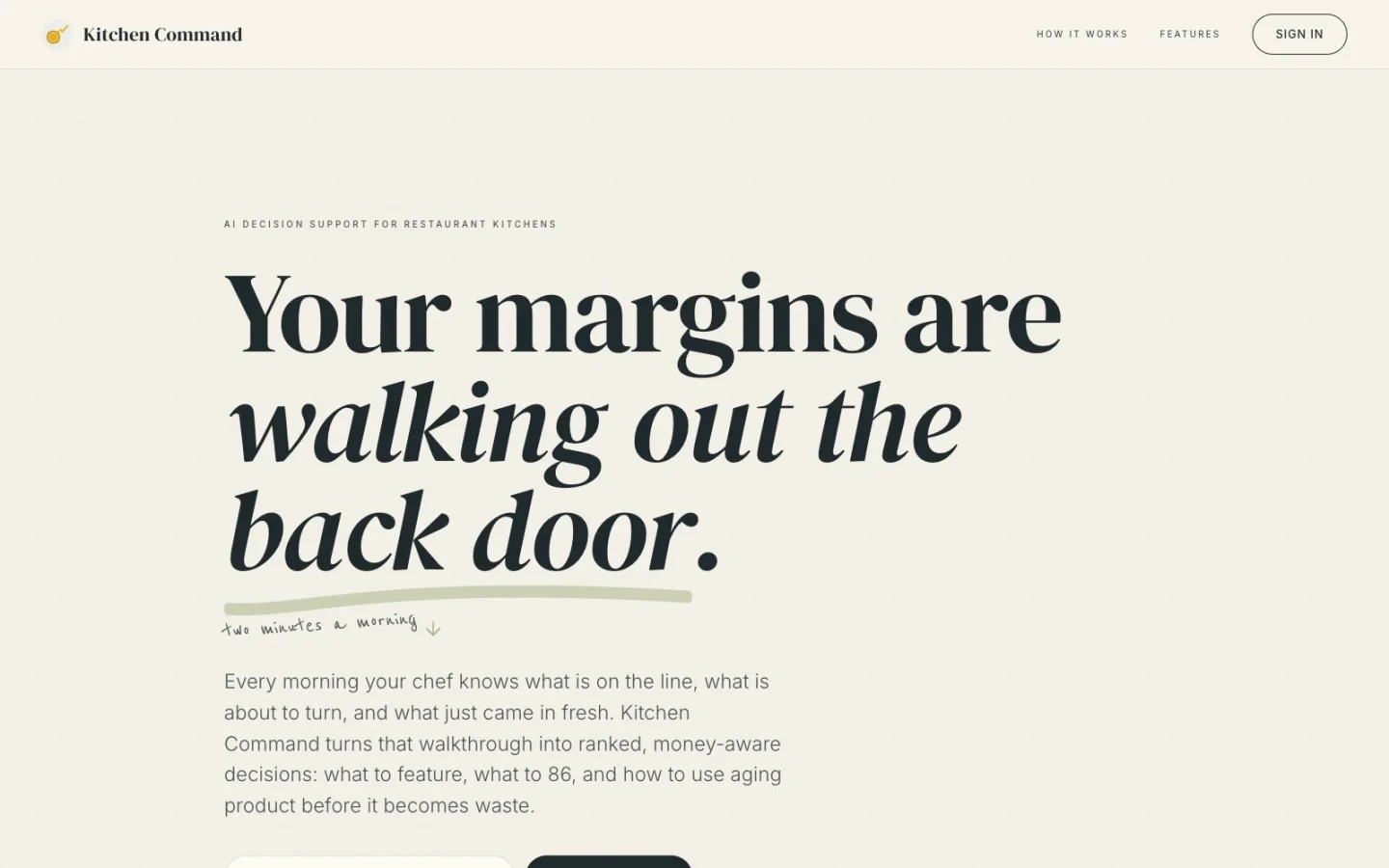
The public product page introduces the morning workflow and leads to sign-in.
The operating problem.
A sales report records what sold. A walk through the kitchen reveals what is on hand, what arrived, and what needs attention before the next service. The planning job is to bring those two views together while there is still time to act.
The design brief for Kitchen Command was to make that connection practical: capture the morning observations in the chef's own words, turn them into specific actions, and preserve the outcome for the next decision.
One service.
A complete loop.
The app connects the observation, the proposed action, and the follow-up so that a recommendation does not disappear when service ends.
Capture the walk-through
The chef speaks or types what is on the line, what is aging, and what came in fresh. Voice input fills an editable transcript; typing keeps the check-in usable when browser voice support is unavailable.
Review the priorities
The analysis combines the check-in with the loaded menu, recent sales, and previously logged outcomes. Urgent alerts, ranked suggestions, and cross-use prep ideas give the chef concrete options to review.
Brief the team
A printable service brief gathers the recommendations for the line. The Tomorrow view also turns same-weekday sales history into suggested prep quantities, giving the chef a starting point for the next service.
Record what happened
After service, the chef marks suggestions followed or skipped, records whether they worked, and adds notes or estimated impact. Check-ins, analysis, and feedback remain connected in history.
Inside the app.
Today, Tomorrow, and History connect the daily work.
Today: decide what needs attention
Check-in input sits alongside the daily analysis. The result separates urgent items from recommendations and cross-use prep ideas, with the recent sales table available for context. Each suggestion includes its reasoning so the chef can assess the proposed action.
Tomorrow: make the prep list
The forecast groups sales by weekday and item, then adds a 20% prep buffer. It produces a printable list of portions. Items without matching history are identified rather than given a fabricated sales record.
History and Insights: keep the outcome
Past check-ins retain their analysis and feedback. Insights aggregates the entered results, while item history brings prior recommendations and outcomes together. Those records supply context for later analysis.
What I built.
I designed and implemented the product interface, check-in and analysis workflow, persistent records, feedback screens, and printable outputs, then deployed the app to Fly.io.
The implementation includes password-backed sessions and protected API access. Configurable data adapters provide a path for sales and delivery data, while the bundled scenario keeps the workflow demonstrable before those sources are connected.
The operational value is the connection between steps: an observation becomes a reviewable plan, the plan becomes a team brief, and the result becomes a record the kitchen can revisit.
Deployed.
With clear limits.
Kitchen Command is deployed, with a public product site and restricted app access. The public site was available when checked on .
- Demo data is part of the build. Bundled sales and seeded historical feedback are synthetic. Displayed revenue or waste figures are not verified customer results.
- Live inputs depend on configuration. Sales and delivery adapters are implemented; live connections must be configured. The menu is loaded from a bundled scenario, and AI analysis can fall back to a fixed demonstration response.
- The chef makes the decision. Suggestions, confidence scores, and prep quantities are advisory. The app does not establish ingredient condition or replace the operator's judgment. Financial impact comes from entered feedback, not independently verified attribution.
Public landing page. Access may be required to use the app.
What keeps getting
lost between steps?
If your team keeps piecing together the same decision, tell me where it gets stuck. We can start with the workflow.
Tell me what's stuck