
Workflow
automation.
Put a workflow in motion.
- InputNew inquiry
- ReviewCheck details
- Next stepFollow-up ready
An inquiry moves from capture to human review, then follow-up.
Illustrative examples. No tools are connected.Start with
the right task.
I'm Ian Bearss. I build custom workflows for businesses in Fort Collins and across Northern Colorado. We start with the work you repeat, the tools you use, and the points where someone needs to make a decision.
Describe your workflow- Your builder
- Ian Bearss, from first conversation through launch
- Based in
- Fort Collins, Colorado
- First step
- A note about one repeated task
Pick the task.
Keep the judgment.
Start with a task you repeat, an input you can trust, and a result someone can check. These are examples to discuss in Discovery.
Good candidates
- Copying the same details from a form into a tracker
- Preparing a regular report from the same source
- Flagging missing information before work moves on
Keep a person involved
- Unusual requests that change the normal process
- Approvals that commit money or change a customer promise
- Decisions based on incomplete or conflicting information
Where the work
can connect.
The useful starting point is a handoff you can describe. Each build is scoped around the actual tools, data, and access available.
An inquiry with a next step
A submitted inquiry becomes a reviewable record, with the details your team needs for follow-up. Exceptions stay visible so a person can decide what happens next.
Try the inquiry example- New inquiry
- Check details
- Follow-up ready
Reports without the retyping
Bring the information needed for a regular report into one place, flag missing inputs, and prepare a draft for review. The scope starts with the source your team already trusts.
Try the report example- Source data
- Review draft
- Report ready
Handoffs people can follow
A change in a job's status can prepare the next checklist, brief, or reminder. We agree on what runs automatically and where someone approves the next step.
Try the handoff example- Status change
- Confirm next step
- Brief ready
Illustrative workflows. No tools are connected.
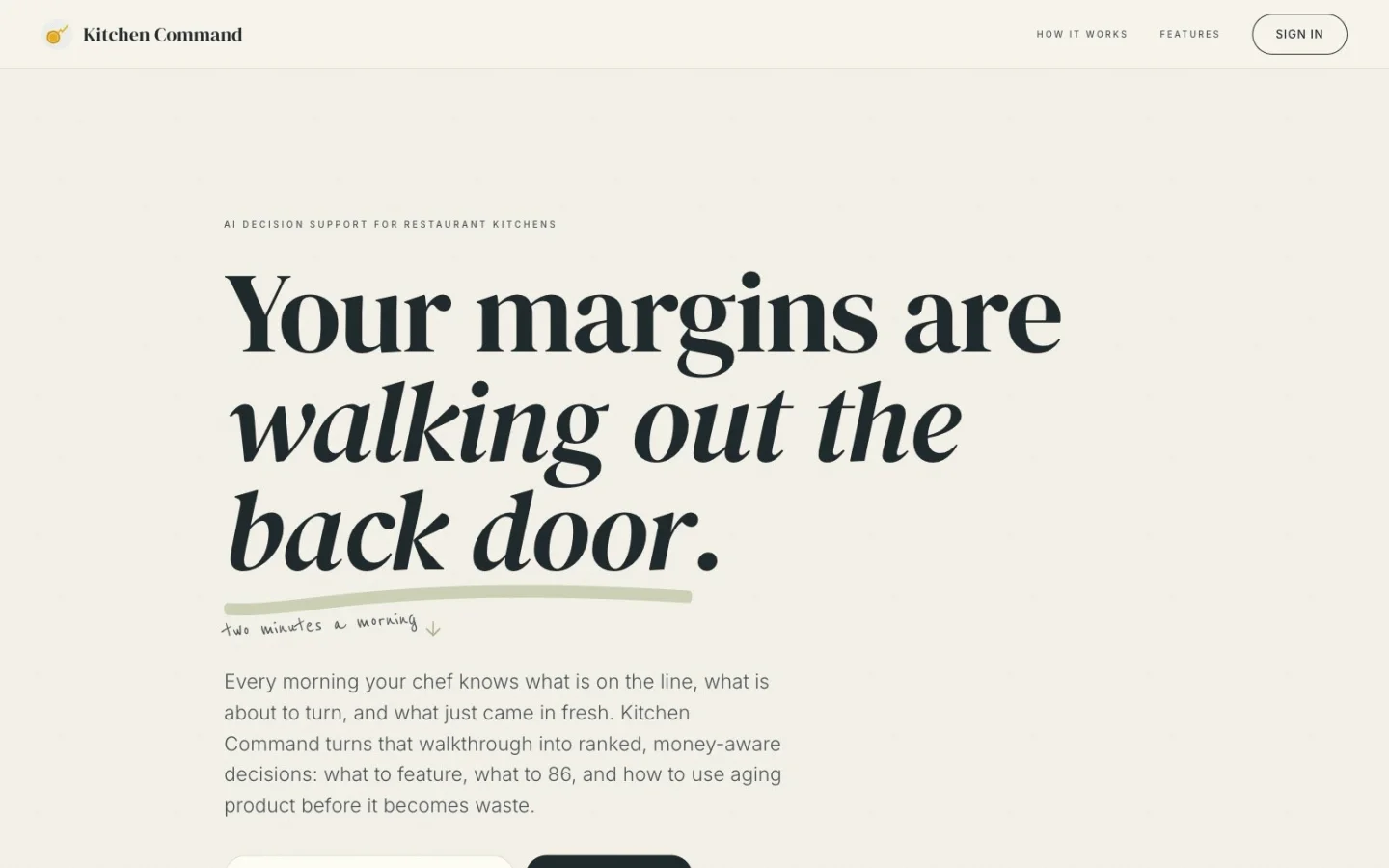
Kitchen Command's public landing page. The case study describes the implemented app workflow and its limits.
From check-in
to service brief.
I built Kitchen Command to connect voice or text check-ins, prep suggestions, printable service briefs, and post-service notes. Each step leaves something the next step can use.
The build includes demo data. Live sales and AI inputs depend on configuration; the case study documents the current limits.
Read the Kitchen Command case studyUnderstand it.
Then connect it.
Send a note about one task, who does it, and how often. I'll reply to understand the fit. You can start rough; you don't need a technical specification.
If paid Discovery is useful, we scope it separately: time with the people doing the job and a written finding. Pilot and Production are chosen as needed, each quoted before work starts.
Before a build starts, we agree on the tools, access, review points, and what happens when a step needs attention.
Explore Discovery, Pilot, and ProductionBefore we start.
Can you work with the software I already use?
I check the tools and the access they provide before quoting a connection. The scope names what can be connected and what still needs a person.
Does workflow automation always need AI?
No. Clear rules can be implemented without AI. When a task needs interpretation, we decide where AI is useful and where a person reviews the output.
How much does a workflow automation project cost?
I scope the work and give you a fixed quote before paid work begins. Discovery, Pilot, and Production are priced separately and chosen as needed. You can stop after any stage.
Do you work outside Fort Collins?
Yes. I am based in Fort Collins and work with businesses across Northern Colorado and with clients remotely.
Tell me what
you keep repeating.
One task, the people doing it, and the tools involved. Based in Fort Collins, working with Northern Colorado businesses and remote clients.
Describe your workflow